
How Revela works
Create a private event photo album in seconds, invite guests with a link or QR code, and collect every memory in one place.
- 01
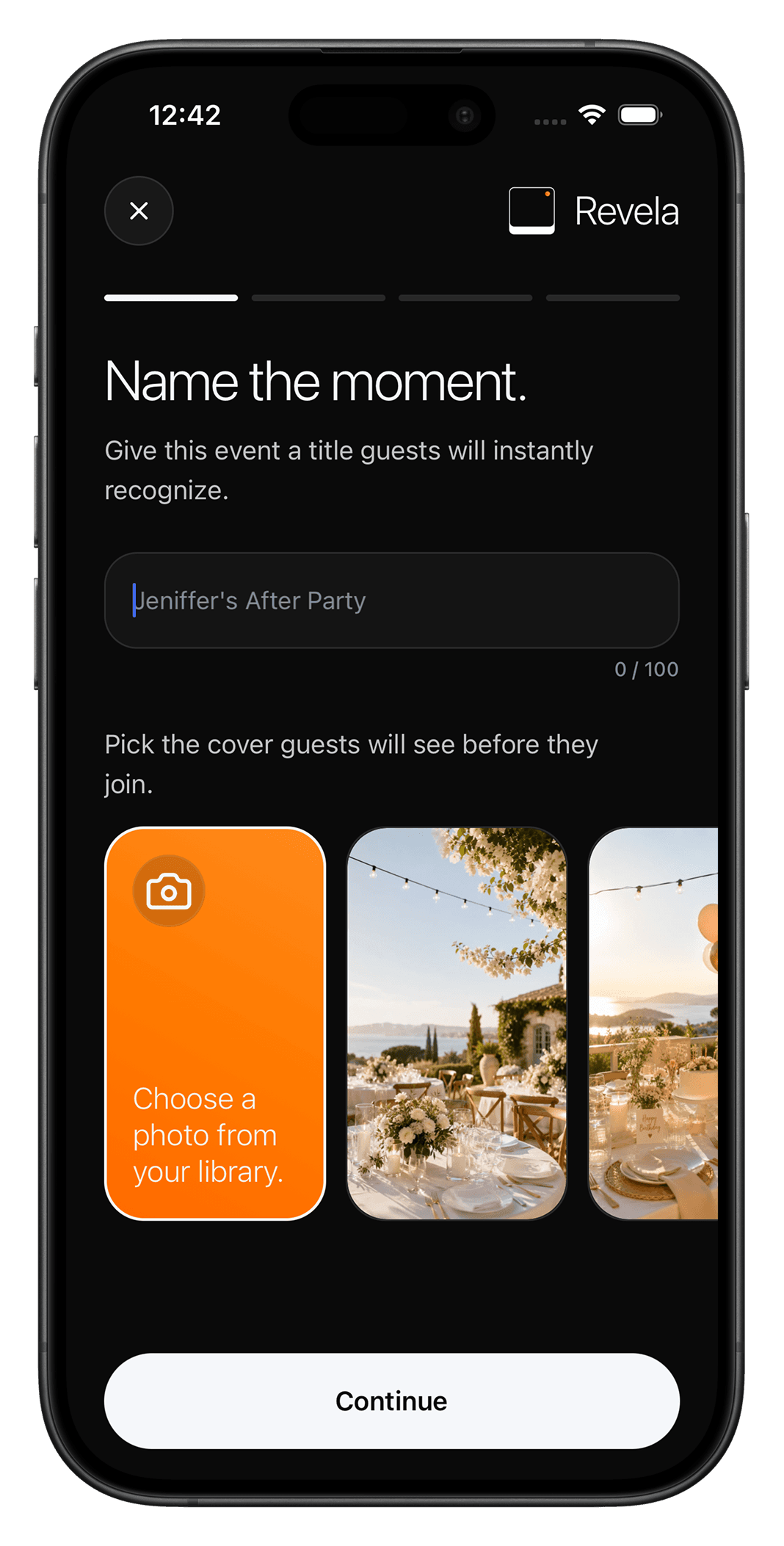
Create your event
Set up your event with a name, date, cover image, photo settings, and reveal preference. Use Revela for weddings, birthdays, group trips, graduations, parties, baby showers, festivals, or private gatherings.
- 02
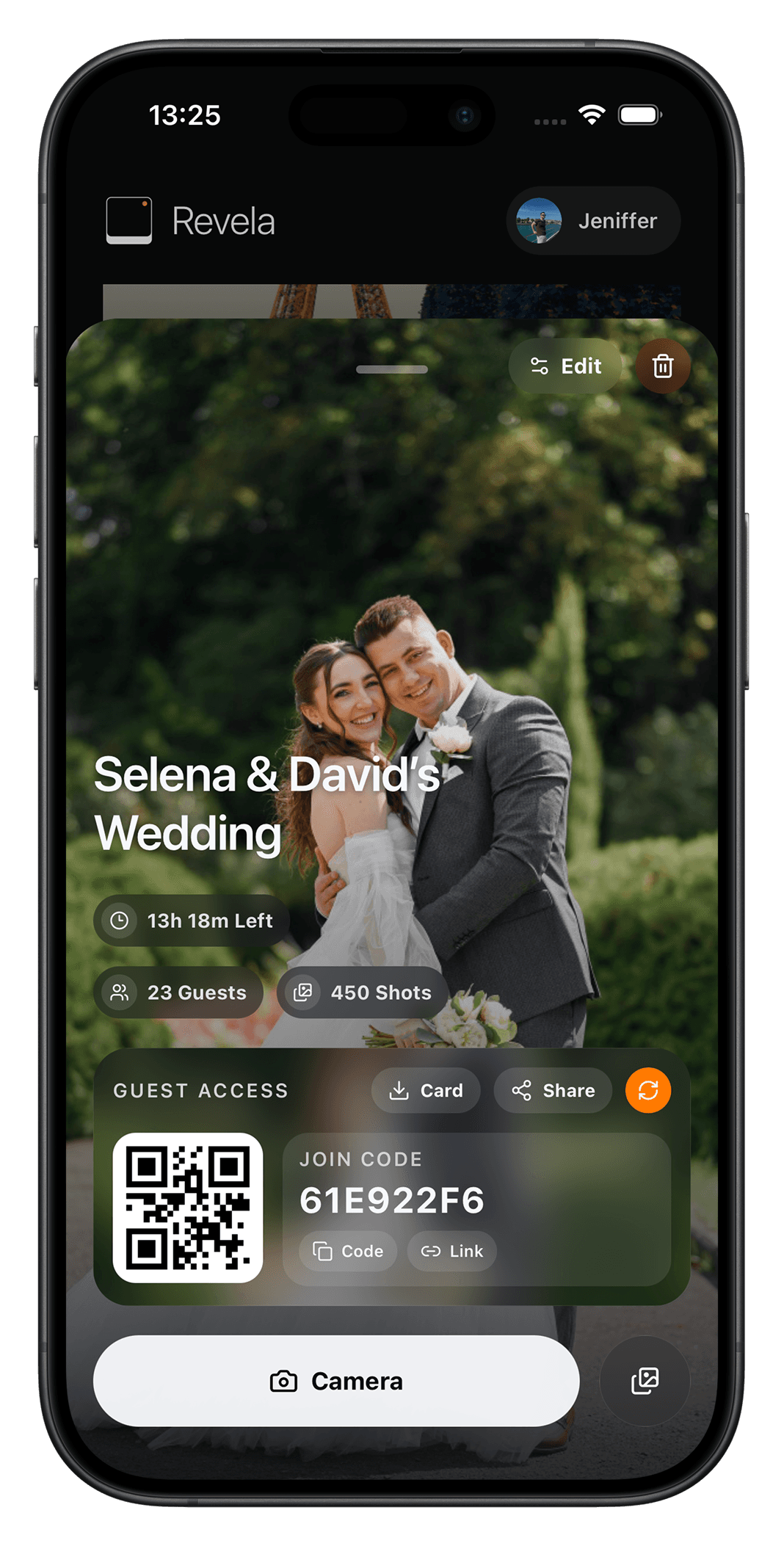
Share your link or QR code
Invite guests by sharing a link or QR code. Guests can join instantly from mobile or web without creating an account.
- 03
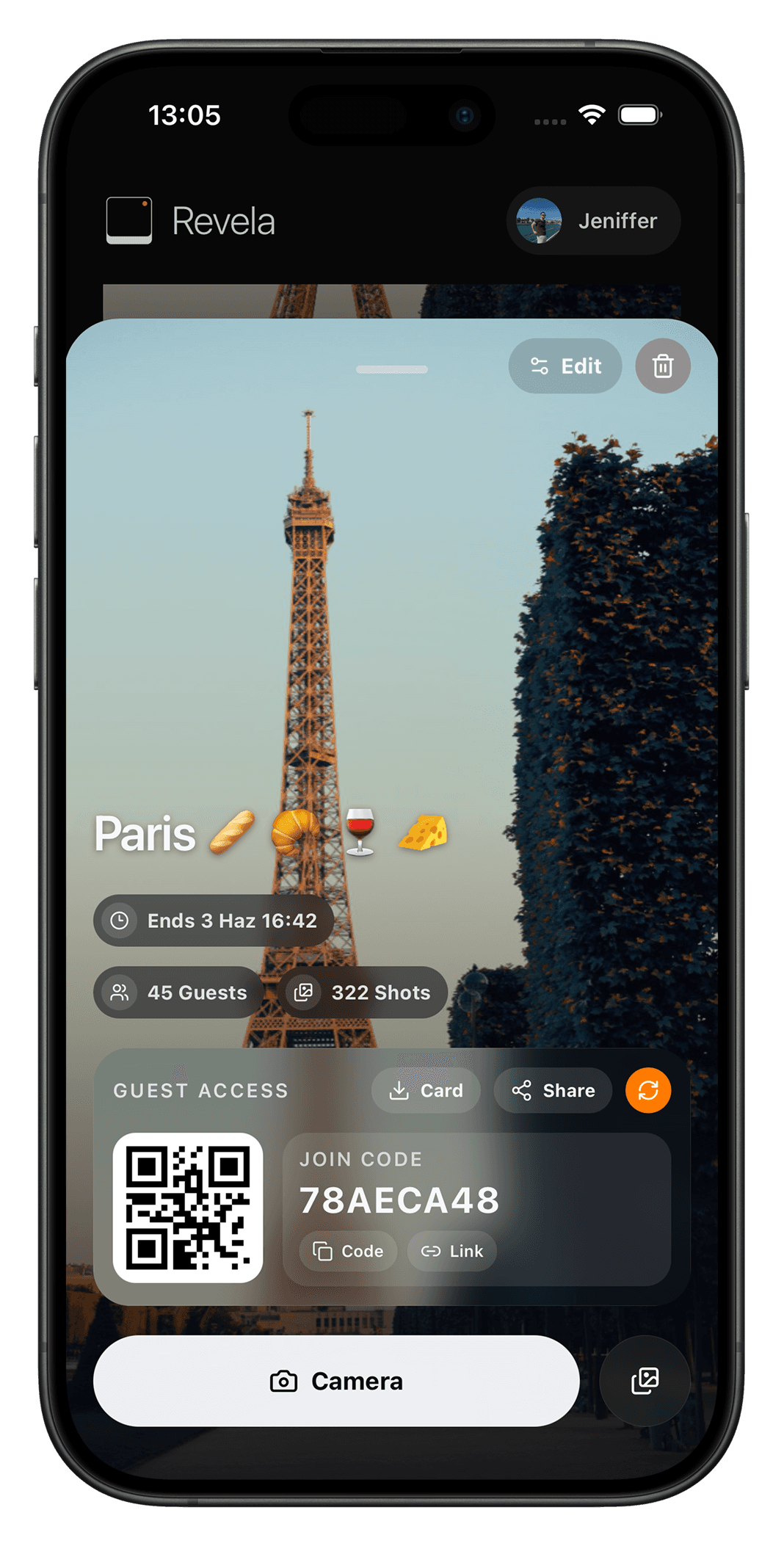
Guests capture or upload photos
Guests can take new photos using their camera or upload existing photos from their gallery. Every photo is added to your private event album.
- 04
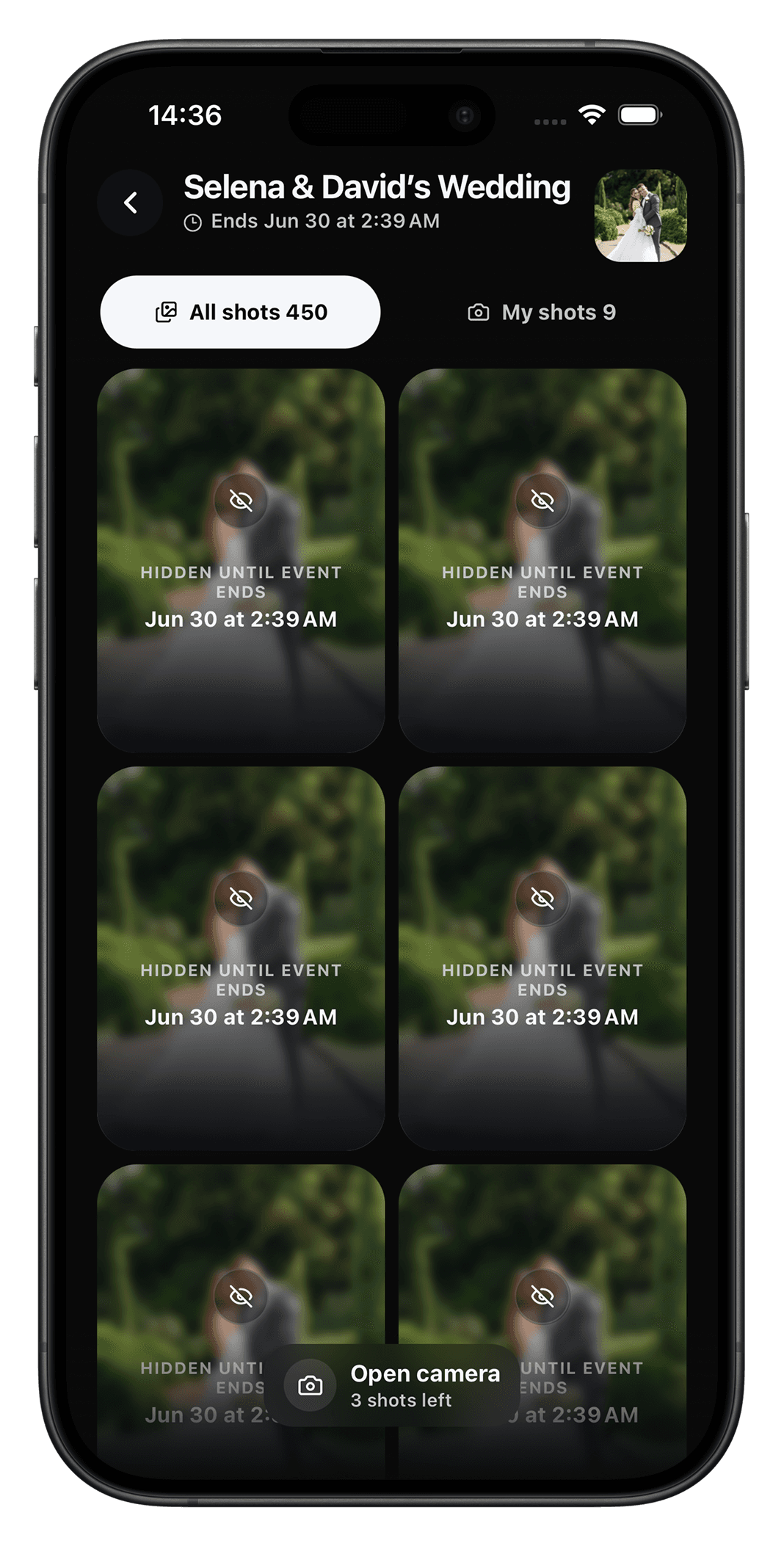
Choose instant view or Reveal Mode
Let photos appear immediately, or keep them hidden until the event ends. With Reveal Mode, everyone gets to experience the memories together at the perfect moment.
- 05
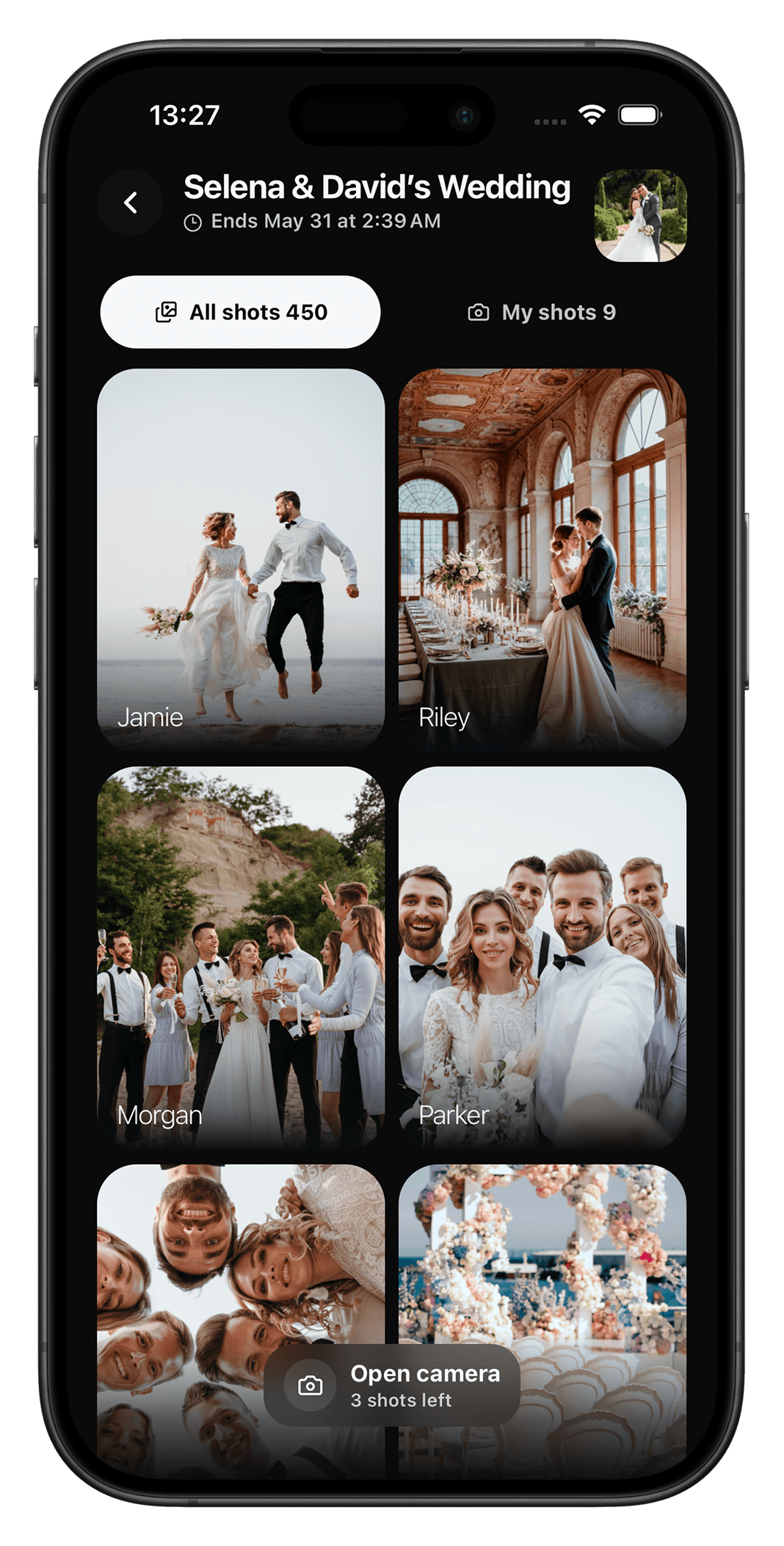
Relive the event through everyone's eyes
After the event, browse one complete gallery filled with photos from every guest's perspective.

Start collecting your event photos today
Every event has more than one story.
Let your guests help tell it. Create a shared photo album for your next wedding, party, trip, or special event with Revela.